Recipes become plans
Get an editable shopping list, ordered cooking steps, recipe facts, and the original source.
Personal action inbox for iPhone
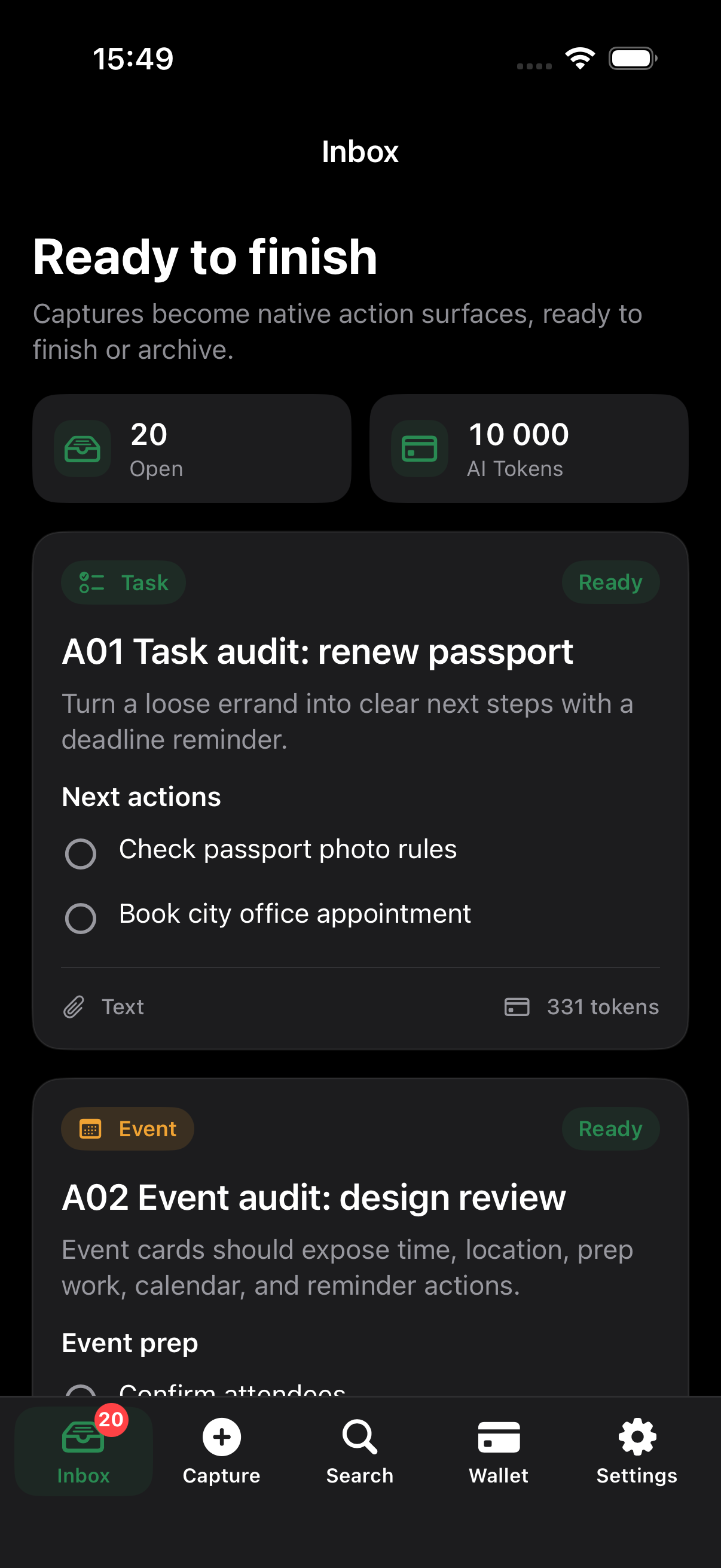
Turn the things you save into checklists, reminders, calendar events, maps, drafts, and next steps you can actually finish.
From capture to completion
LaterDone identifies the job behind each capture and chooses native action elements that match it.
Action surfaces
Get an editable shopping list, ordered cooking steps, recipe facts, and the original source.
Turn deadlines, bookings, invoices, trips, and meetings into reminders and calendar events.
Extract missing questions, build a reply plan, and copy or share text that is ready to use.
20 capture kinds
Type is based on what the capture means, not whether it arrived as text, a URL, an image, or audio.
Next steps, blockers, preparation, calendar, and reminders.
Price facts, compatibility checks, comparisons, and reusable lists.
Bookings, times, codes, packing, maps, and arrival plans.
Required fields, amounts, references, due dates, and records.
Study plans, useful takeaways, practice, and follow-up decisions.
Routines, debugging, experiments, uncertainty, and first actions.
Private by design
LaterDone uses an anonymous account, private storage, server-side processing, and Apple billing. It does not include advertising trackers or sell capture data.